SMB cybersecurity is still too often treated as a topic reserved for large enterprises. In reality, small and mid-sized businesses are often more exposed because they usually operate without a dedicated security team, without mature internal processes, and without clear visibility over their most sensitive business accounts.
The issue is not only technical. In many companies, cyber risk comes from daily habits: passwords shared by email, business access stored in spreadsheets, old accounts never reviewed, team members with too many permissions, and very limited awareness of phishing in business. These are not exceptional failures. They are routine weaknesses, and that is exactly why attackers keep exploiting them.
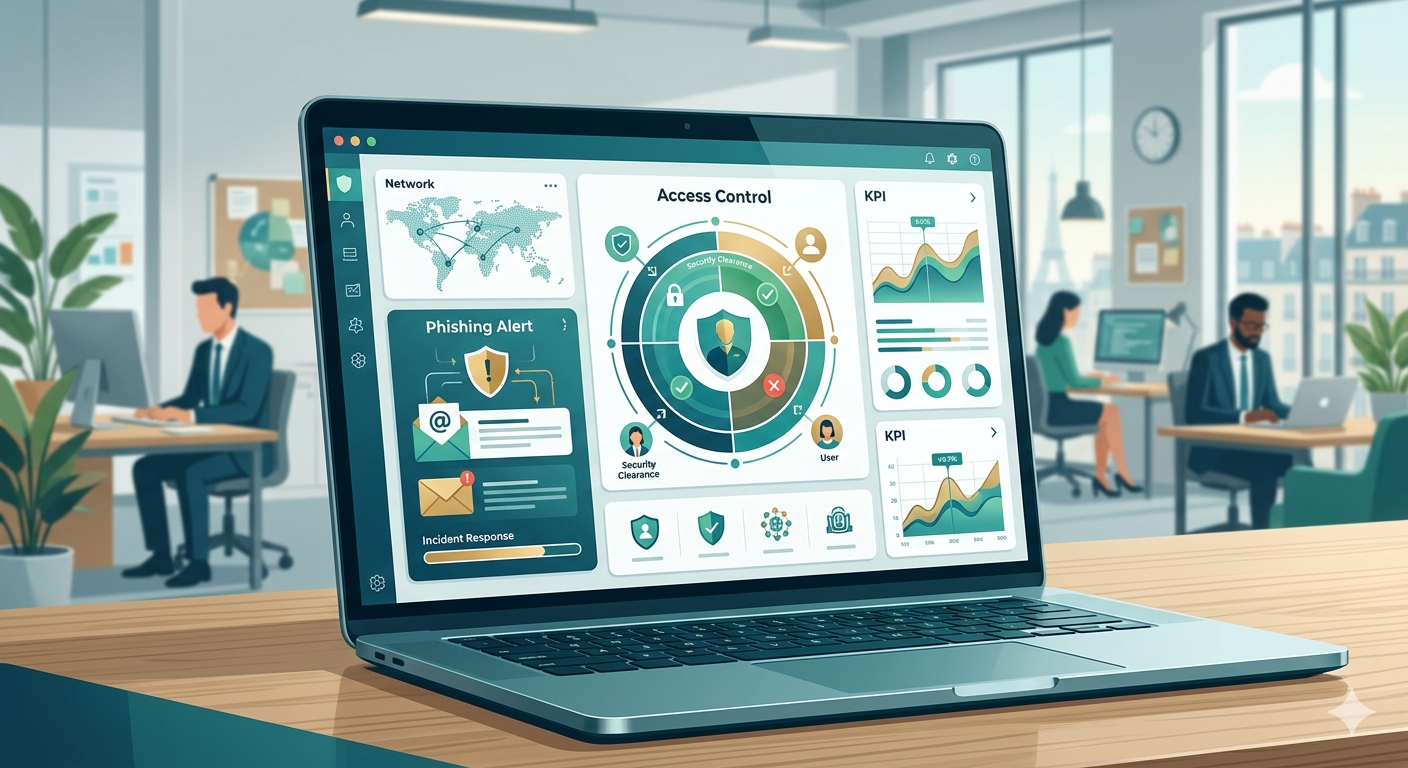
The good news is that improving your SMB IT security does not require a huge internal security department or a complex stack of tools. In most cases, a few practical decisions can significantly reduce exposure to phishing, ransomware, and account compromise. Here are the 7 mistakes that still put too many businesses at risk.
## 1. Assuming your business is too small to be attacked
This is still one of the most expensive assumptions in SMB security. Many business owners believe cybercriminals focus mainly on large enterprises. In practice, attackers often prefer smaller companies because defenses are lighter, processes are less formalized, and access governance is usually weaker.
A company does not need to be famous to be worth targeting. A compromised mailbox, a weak password on a payment platform, stolen access to a client environment, or a successful phishing email against an operations account can already create serious operational and financial damage.
The first step is to accept a basic reality: SMBs need a real cybersecurity baseline. It does not need to be heavy. But it does need to exist, be documented, and be applied consistently.
## 2. Letting passwords circulate through email, chat, or spreadsheets
Many businesses still store passwords in spreadsheets, browser profiles, shared notes, or internal chat messages. It feels convenient, especially in small teams, but it creates a fragile access model from day one.
The real problem is not just storage. It is the complete lack of traceability. Who has access to what? Which credentials are shared? Which passwords are weak or reused? Which access must be revoked when someone leaves? Without visibility, there is no control.
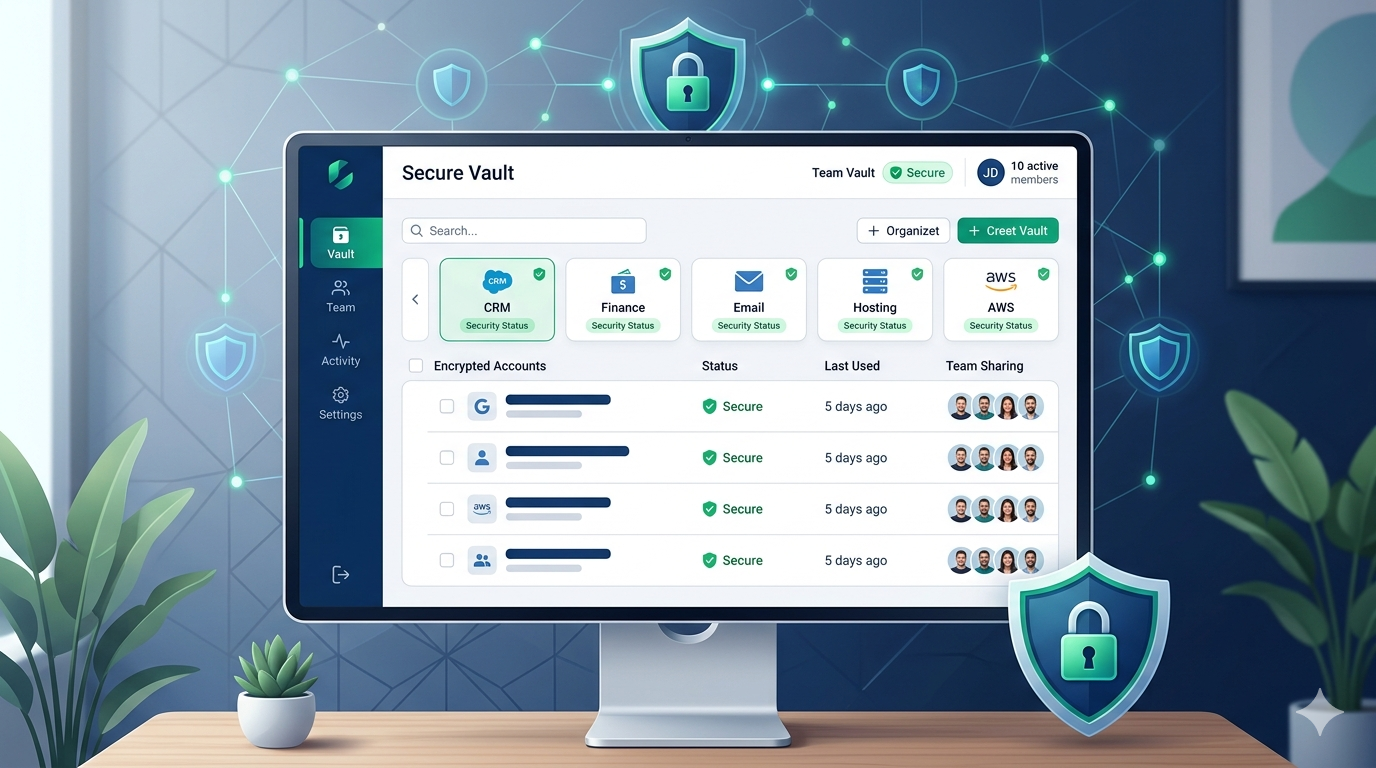
For this reason, using an enterprise password manager is no longer a “nice to have” for SMBs. It becomes a practical way to centralize credentials, reduce unsafe sharing, improve password hygiene, and structure access around business reality.

## 3. Reusing the same passwords across multiple tools
Password reuse is still one of the easiest ways to compromise a business. If one password is leaked through a third-party breach, an exposed browser session, or a phishing attempt, several tools may become vulnerable at once.
This matters even more in SMB environments, where the same team may handle finance tools, website administration, support platforms, cloud environments, and marketing services. One reused password can create a chain reaction.
The rule should be simple and non-negotiable: one account, one unique password. And whenever a credential is shared between multiple people, it should be managed inside a secure, auditable process rather than transmitted manually.
## 4. Underestimating phishing in business
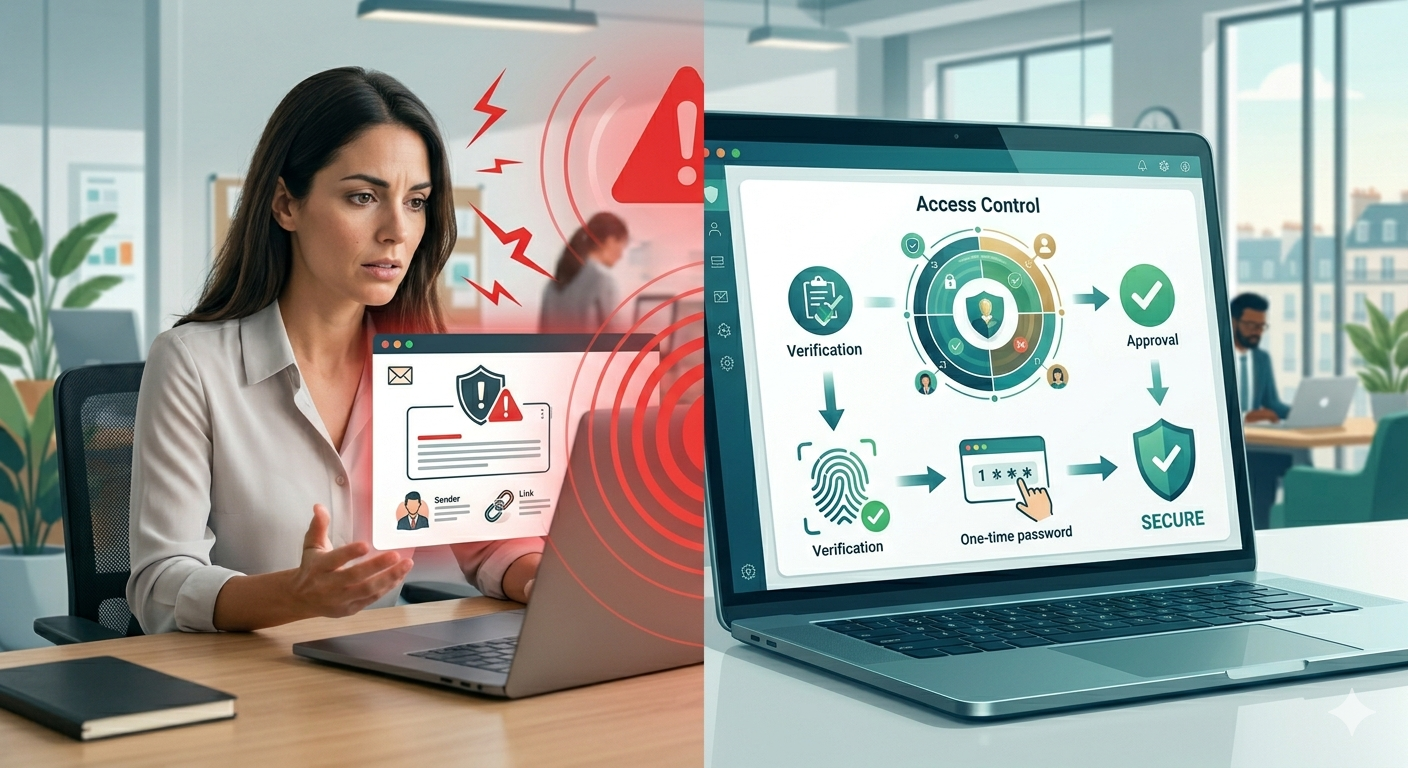
Business phishing is no longer limited to clumsy emails full of spelling mistakes. Many phishing campaigns now look highly credible. They imitate vendors, executives, finance contacts, and internal workflows with increasing accuracy.
A single click may be enough to expose a mailbox, capture a session, or reveal a password used on a sensitive account. In many incidents, the technical compromise starts with a simple moment of trust.
Reducing phishing risk usually requires three things working together:
- employee awareness and practical training
- stronger access management
- clear verification habits for sensitive requests
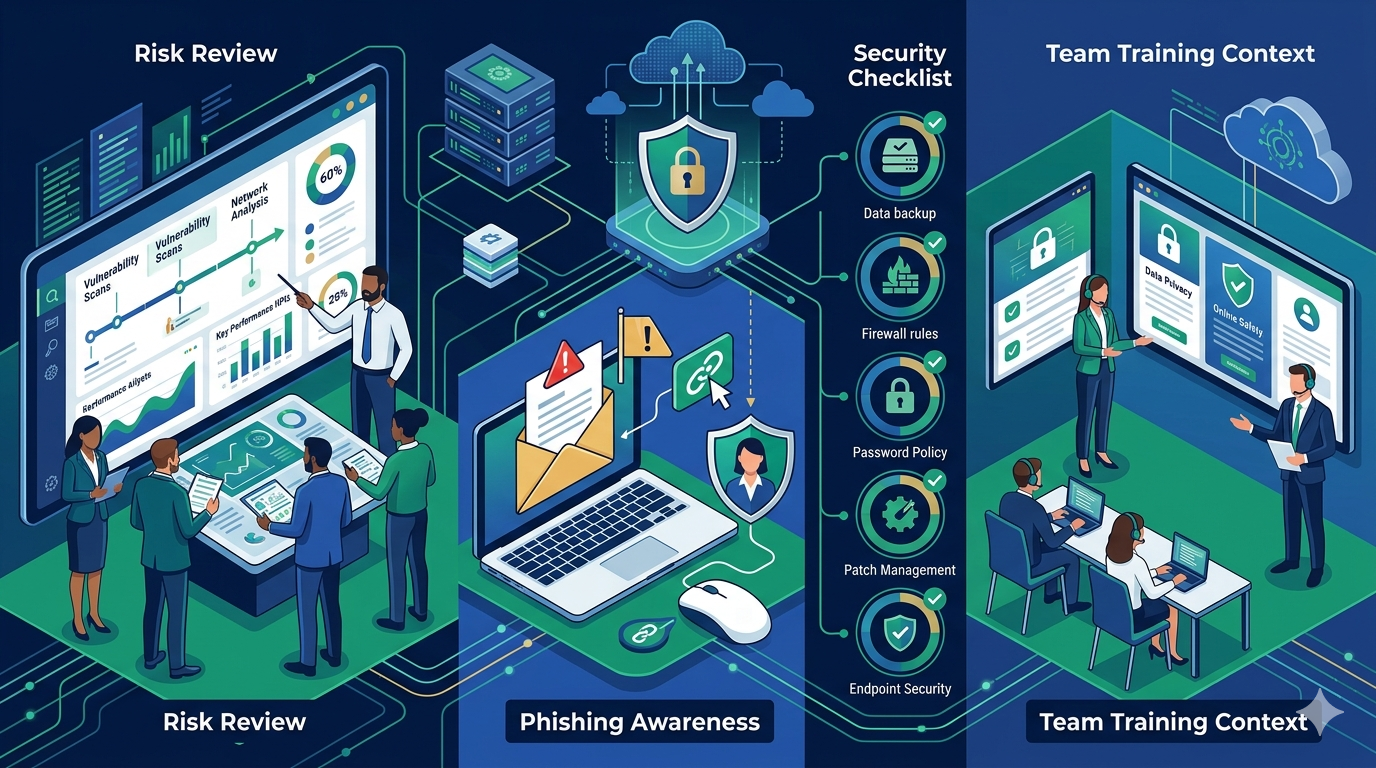
This is why phishing awareness remains one of the highest-return security actions for an SMB. The goal is not to turn every employee into an expert, but to make suspicious situations easier to detect before they become incidents.
## 5. Ignoring ransomware preparation
Ransomware in SMBs rarely begins when files are suddenly encrypted. It usually starts much earlier: a compromised credential, a phishing email, weak remote access, poor password discipline, or an overexposed account.
By the time the ransomware becomes visible, the real failure has often already happened. That is why preparation matters more than panic response.
Businesses should focus on a few core priorities:
- reduce unnecessary access rights
- secure critical accounts
- avoid weak or reused passwords
- maintain reliable backups
- prepare simple response procedures
## 6. Forgetting to review access when the team changes
Former employees, old vendors, outdated shared accounts, forgotten admin access, and devices that stay connected too long are common sources of risk. In smaller businesses, permissions are often granted informally and rarely reviewed afterward.
The result is predictable: the company accumulates active access that no longer matches operational needs. This increases exposure and makes incident response harder if a problem occurs.
Regular access review should become part of the company’s normal operating rhythm. This is one of the most practical outcomes of an SMB cybersecurity audit: identifying what still exists, what is still needed, and what should be removed.
## 7. Waiting for an incident before getting organized
Many businesses only act after a warning sign: a suspicious login, a compromised mailbox, an invoice scam attempt, a lost password, or a service interruption linked to account misuse. The problem is obvious: reacting late always costs more than preparing early.
A serious SMB security approach often starts with a lightweight but disciplined framework:
- centralize critical business access
- define password and sharing rules
- train the team on phishing risk
- review high-risk accounts regularly
- reduce reliance on informal processes
This is not about building enterprise-grade bureaucracy. It is about reducing avoidable exposure with practical measures that a real team can actually follow.
## What an SMB should do now
If your business wants to improve its SMB cybersecurity quickly, start with these concrete steps:
1. identify the accounts and tools that are truly critical to daily operations
2. stop storing business passwords in unsafe locations
3. adopt a business password manager for sensitive and shared accounts
4. enforce unique passwords for all critical services
5. train employees to spot and verify phishing attempts
6. review access whenever someone joins, leaves, or changes role
7. prepare a basic response plan for incidents affecting access or email
These actions do not solve everything, but they move the company away from improvisation and toward a much stronger operational security baseline.
## Conclusion
Good SMB IT security does not begin with complex tools. It begins with discipline around access, passwords, phishing awareness, and account visibility. Most common attacks do not rely on sophisticated scenarios. They succeed because businesses still leave too much room for disorder, weak password practices, and poor access control.
SMBs do not need to copy large-enterprise security models. They need a pragmatic system that fits their size: secure passwords, controlled sharing, clearer access rules, and practical employee awareness.

If your company already shares access between several people, centralizing those credentials and improving traceability is often one of the fastest and most valuable first steps.